How to Shorten TikTok Video Links for a Professional Bio (Step-by-Step Guide)
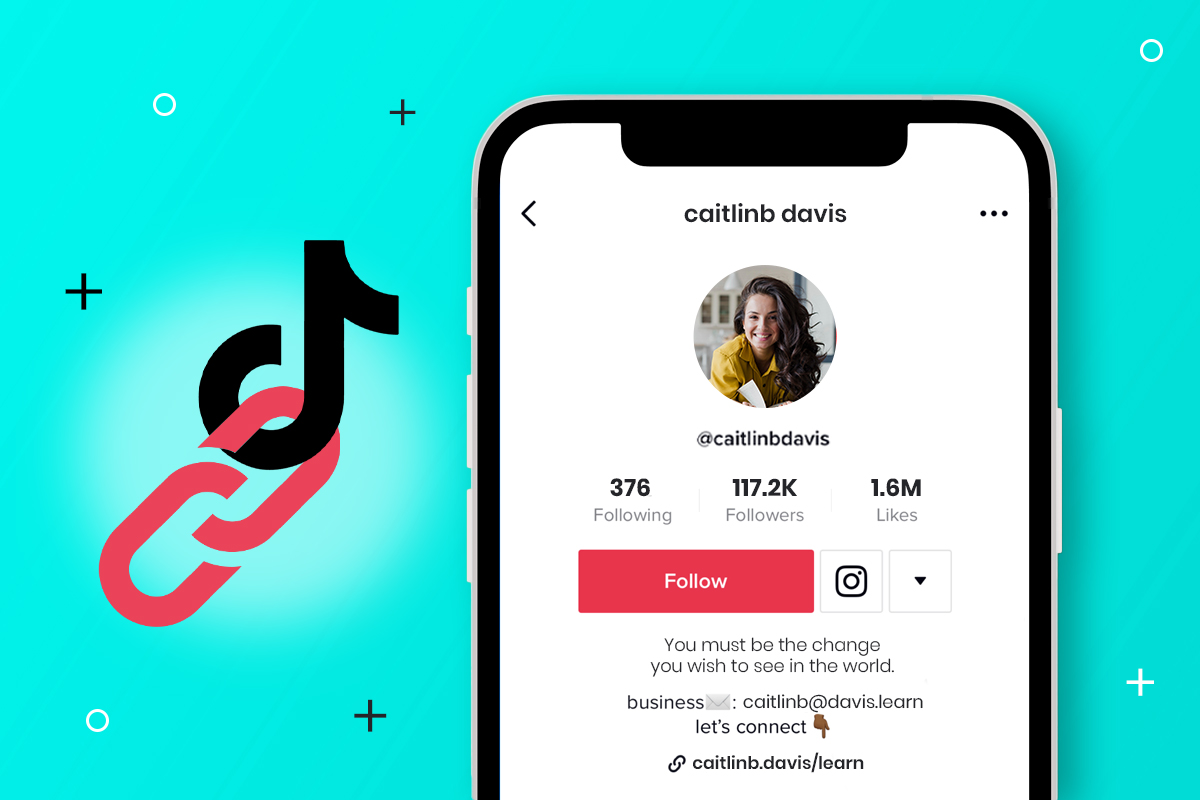
On TikTok, you only get one chance to drive traffic outside the app: your Bio Link.
Whether you want to direct followers to your YouTube channel, an affiliate product, or a specific viral video you made, that single link is your most valuable asset.
However, the default links generated by TikTok are often long, messy, and filled with random tracking codes (e.g., tiktok.com/@user/video/728374823...). Pasting this directly into your bio looks unprofessional and "spammy."
In this guide, we will show you exactly how to shorten TikTok video links to make your profile look clean, trustworthy, and professional using VidBelow.
Why You Should Never Use Raw Links in Your TikTok Bio
Before we get to the "How-To," here is why raw links are hurting your growth:
-
They Look Untrustworthy: Long strings of random numbers look like spam or phishing attempts. Users are less likely to click them.
-
They Waste Space: Your TikTok bio has a strict character limit. A long URL eats up space you could use for a call-to-action (CTA) or emojis.
-
No Tracking: If you paste a raw TikTok link, you have no idea how many people clicked it or where they came from.
Step-by-Step: How to Shorten Your TikTok Link
Follow these simple steps to turn a messy URL into a clean, short link like vidbelow.com/my-viral-vid.
Step 1: Get Your TikTok Video Link
-
Open the TikTok app and find the video (or profile) you want to share.
-
Tap the "Share" arrow icon (usually on the bottom right).
-
Tap "Copy Link". The link is now saved to your clipboard.
Step 2: Shorten with VidBelow
-
Open your browser and go to VidBelow.com.
-
Paste your long TikTok link into the box.
-
Click the "Shorten" button.
-
Optional: If you want a custom alias (e.g.,
vidbelow.com/dance-trend), you can set that to make it even easier to remember. -
Copy your new, short URL.
Step 3: Add to Your TikTok Bio
-
Go back to the TikTok app and tap "Profile".
-
Tap the "Edit Profile" button.
-
Look for the field labeled "Website".
-
Note: If you don't see the Website option, check the FAQ section below.
-
-
Paste your new VidBelow link into this field.
-
Tap "Save".
Why VidBelow is the Best Choice for TikTokers
You might be wondering, "Why not use other shorteners?" Here is why VidBelow is specifically better for the TikTok ecosystem:
-
TikTok-Friendly Domain: The name
vidbelow.comnaturally suggests video content. When users see it in your bio, they know it leads to a video, increasing the Click-Through Rate (CTR). -
Avoid "Sensitive Content" Warnings: Some generic shorteners are often flagged by TikTok's aggressive spam filters. VidBelow is optimized for safe video sharing.
-
Mobile Optimized: Our dashboard works perfectly on your phone, so you can shorten links on the fly without needing a computer.
FAQ: Troubleshooting Your TikTok Bio
Q: Why can't I see the "Website" option in my Edit Profile? A: TikTok has a requirement for adding clickable links. You usually need to have 1,000 followers OR switch to a Business Account.
-
Tip: To switch to a Business Account for free: Go to Settings > Account > "Switch to Business Account." This often unlocks the Website field instantly, even with 0 followers.
Q: Can I track who clicks my Bio link? A: Yes! If you shorten your link with VidBelow, you can log in to your dashboard and see exactly how many people clicked your bio link today.
Conclusion
Your TikTok Bio is prime real estate. Don't clutter it with ugly, long URLs.
By using VidBelow, you not only make your profile look cleaner and more professional, but you also gain valuable insights into your audience.
Ready to upgrade your TikTok Bio? 👉 Create your Short Link at VidBelow.com